 A
certification requirement that is dependent on a membership purchase will
be mark as incomplete if the membership is cancelled or becomes expired.
A
certification requirement that is dependent on a membership purchase will
be mark as incomplete if the membership is cancelled or becomes expired.
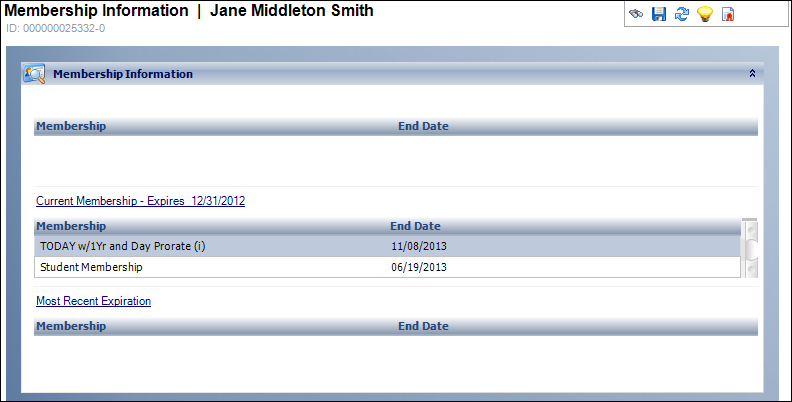
This screen displays membership information in the same format as the Call Center screen, i.e., a list of the past, current, and future memberships.
A
certification requirement that is dependent on a membership purchase will
be mark as incomplete if the membership is cancelled or becomes expired.
To view membership information:
1. Click
Membership Information from
the Registration and Tracking task category.
The Membership Information screen displays, as shown below.
2. Review the membership information.