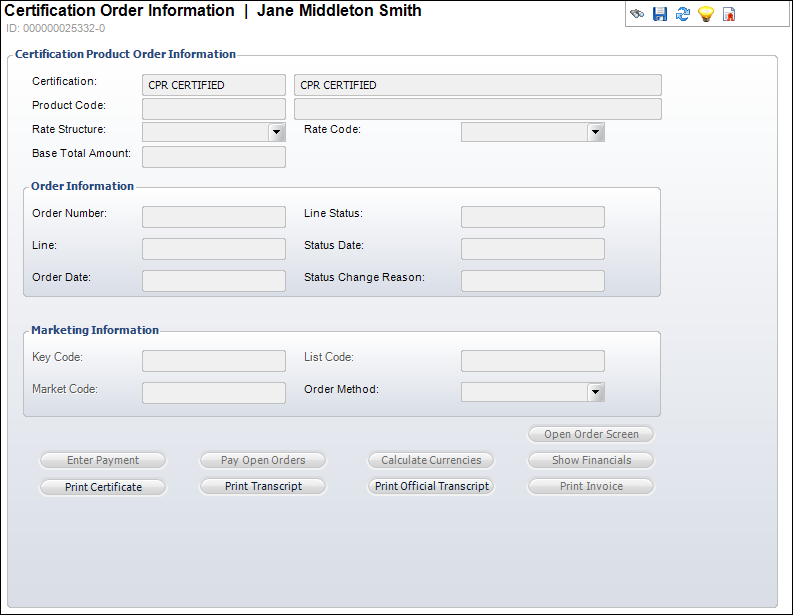
The Certification Order Information screen displays, as shown below.
To display the certification order:
1. Click
Display Certification Order from
the Registration and Tracking task category.
The Certification Order Information screen displays, as shown below.
2. Review the Order and Marketing information for the Certification product.
3. Perform any of the following:
· Click Print Transcript to print a transcript for the customer.
· Click Print Certificate to print a certificate for the customer.
· Click Print Invoice to print an invoice for the customer.
· Click Open Order Screen to open the Order Entry screen.