The Certification Web Control screen displays, as shown below.
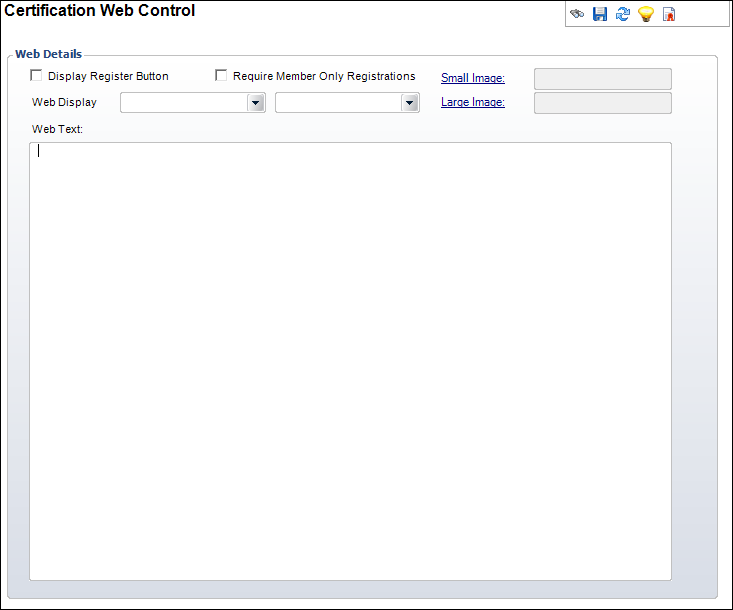
Using the Certification Web Control screen, you can define the way the certification program displays on the Web.
To add Web display information:
1. Click
Add Web Display Info from
the Web Details task category.
The Certification Web Control screen displays, as shown below.
2. Select the begin and end dates the certification program will display on the Web from the Web Display drop-downs.
3. Check the appropriate checkboxes:
· Display Register Button
· Require Member Only Registrations
4. Click the Small Image link and search for a small image associated with the certification program.
5. Click the Large Image link and search for a large image associated with the certification program.
6. Enter the Web Text.
7. Click Save.
|